01 / CONNECTFrom your Mac.
From your Mac.
Or your NAS.
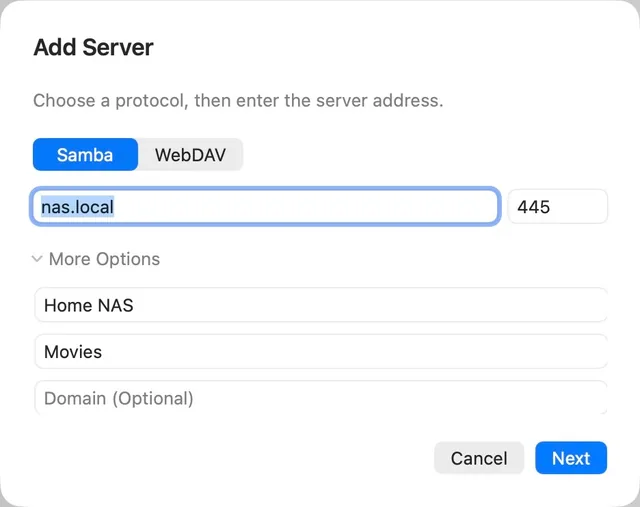
Browse SMB and WebDAV folders, discover local servers, or paste an HTTP, HTTPS or HLS media URL.

 Avora APlay
A video player for Mac that keeps things simple.
Local files, your NAS, or a link. One beautiful place to watch.
macOS 14 or later · Apple silicon · No account required
LESS FUSS. MORE PLAY.
Open a file and settle in. The thoughtful details are already there.
Browse SMB and WebDAV folders, discover local servers, or paste an HTTP, HTTPS or HLS media URL.
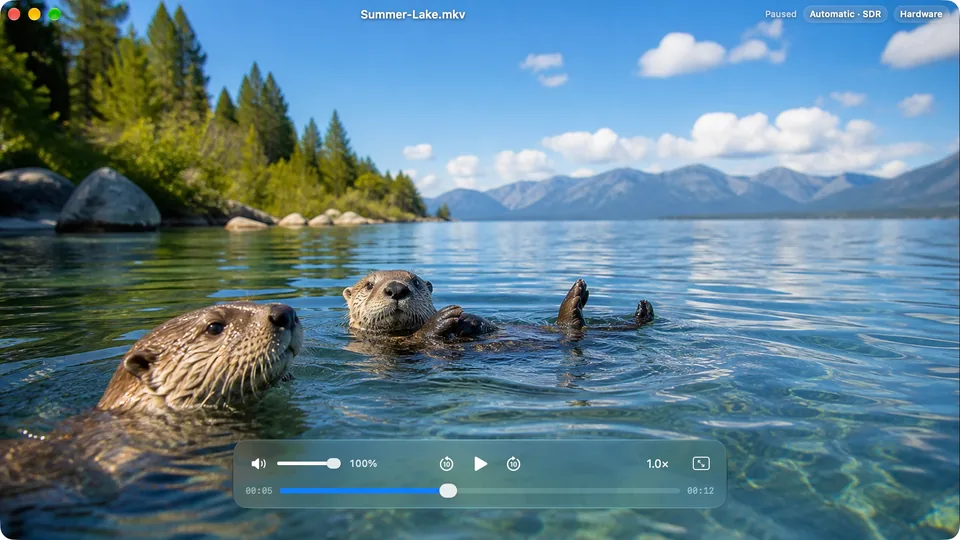
Preview right in the player as you seek. Fine-tune the pace from 0.5× to 3×, or step through a scene frame by frame.
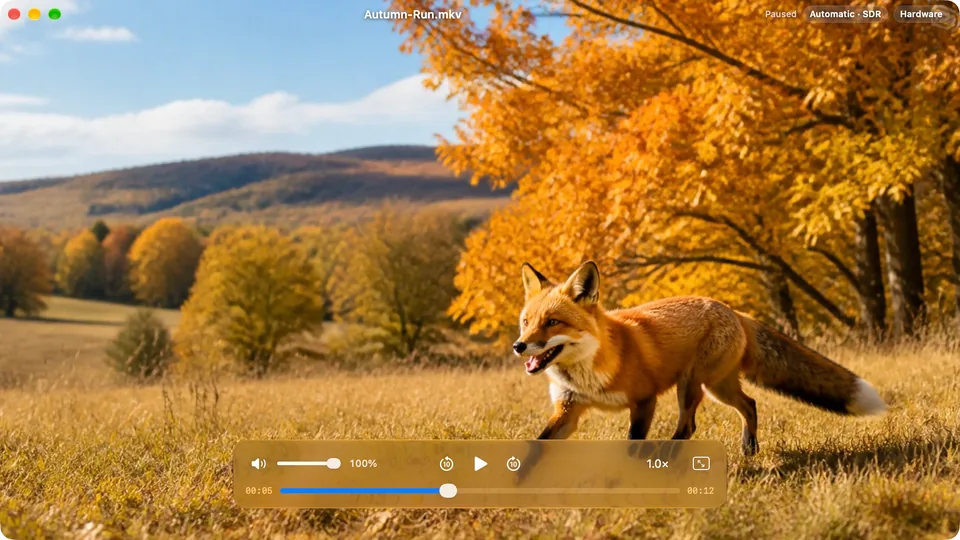
Pinch to zoom up to 800%. Pan with two fingers and explore every corner. Your mouse works, too.
Explore playback controls Real APlay capture · 200% zoom
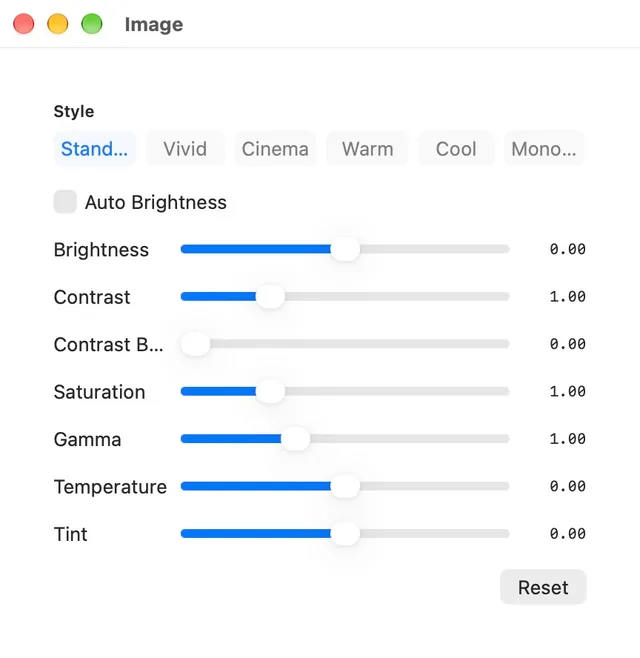
Choose subtitles and audio tracks. Adjust the picture to your taste, with HDR output on supported displays.

Keep a floating mini player close while you work. Come back later and pick up where you left off.
Native controls.
Light or dark.
24 interface languages.

Drag a video from Finder. No media library to build. No import to wait for.
No APlay account. No advertising or tracking SDKs. Local playback works offline.
Built for Apple silicon, with native Liquid Glass controls on macOS 26 and later.
APlay requires a Mac with Apple silicon (M1 or later) and macOS 14 or later. Intel Macs are not supported. HDR output also requires compatible media and a supported display.
Yes. APlay supports MKV, MP4, MOV, AVI, WebM and other popular containers. Playback depends on the audio and video codecs inside the file; protected or damaged files may not play.
Yes. Browse shared folders using SMB or WebDAV, or open a direct media URL. APlay also supports HTTP, HTTPS and HLS playback. You will need access to the server and credentials if it requires them.
Yes. Choose an embedded subtitle track or load an external subtitle file, including SRT, ASS, SSA and VTT. You can adjust subtitle timing in the player.
No APlay account is required. See the Mac App Store listing for current pricing and any purchase options in your region.
Yes. APlay 1.2 lets you manage playback history in Settings, turn history saving on or off, and choose whether to resume playback.
Make yourself comfortable. APlay takes care of playback.
Download on the Mac App StoreFor Mac with Apple silicon · macOS 14+